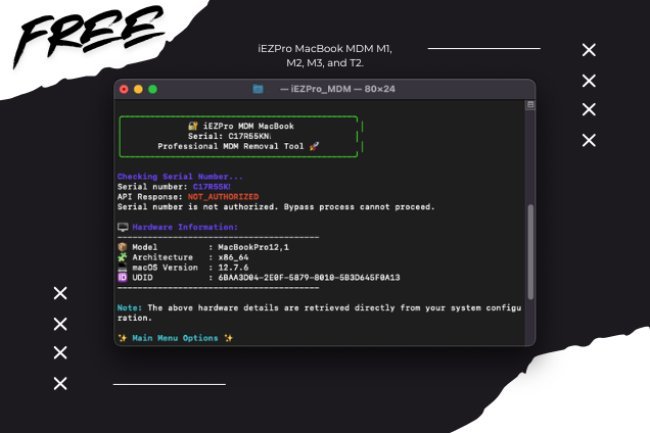
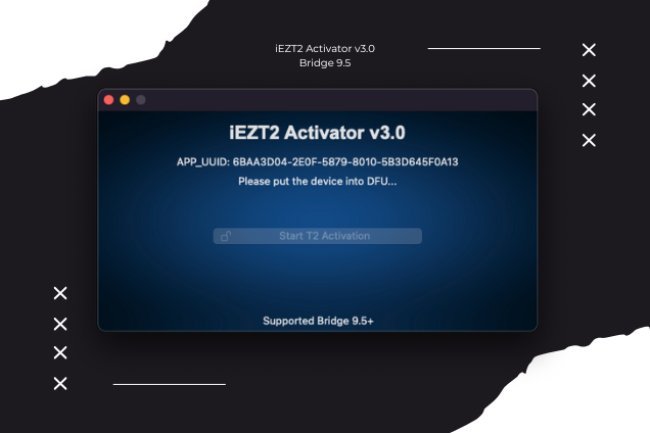
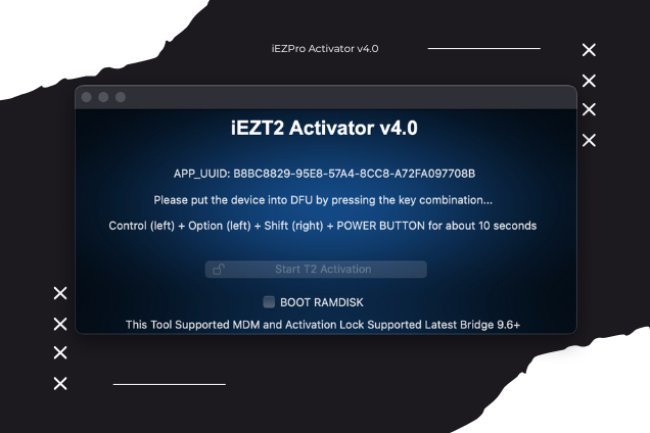
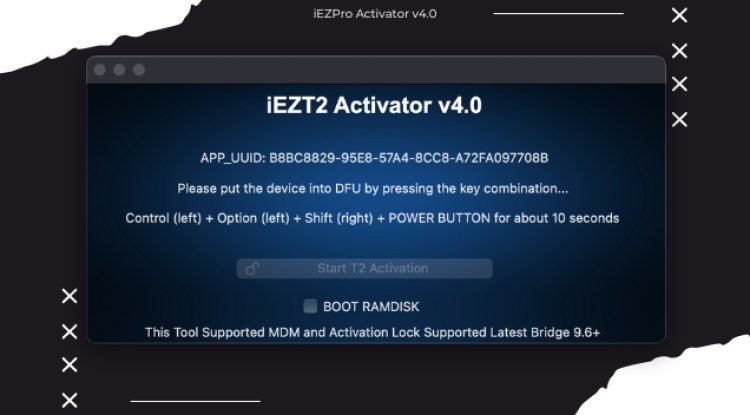
iEZT2Activator T2 V5.1 MAC TOOL NEW BRIDGEOS 10.0+
T2 BYPASS SUPPORTED BRIDGE 10.0
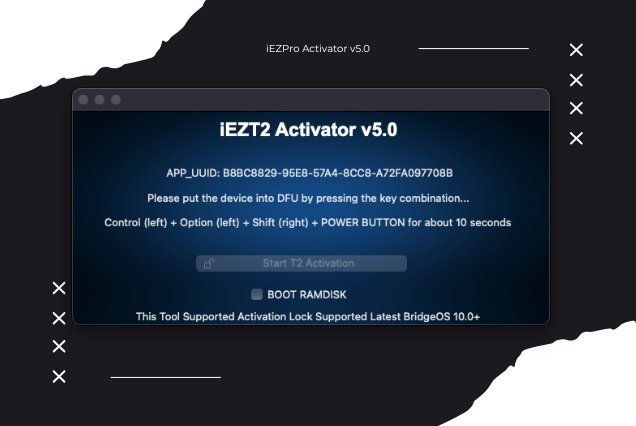
iEZT2Activator T2 V5.1 MAC TOOL NEW BRIDGEOS 10.0+
Service Name : iEZT2Activator T2 V5.1 MAC TOOL NEW BRIDGEOS 10.0+
Platform : Mac
Link download:
Direct link : Download Tool v5.1
Warning: The application is clean without virus
Supported Devices:
✔️ MacBook Air (intel T2)
✔️ MacBook Pro (intel T2)
✔️ Mac Mini (intel T2)
✔️ iMac (intel T2)
☺️ Key Features & Benefits:
✔️ Permanent MDM Unlock: Remove MDM Profile Restrictions Permanently With Just One Click.
✔️ Full Device Control: After Unlocking, You Can Fully Erase, Restore, Update, And Reinstall The Macos Without Issues.
✔️ Wide Compatibility: Works On All Ibridge Os And MACOS Versions, So You Don’t Need To Worry About System Version Limitations.
✔️ Fast & Reliable: Lightning-fast Process Designed For Both Beginners And Professionals.
⚙️ How To Use iEZ T2 Removal Tool:
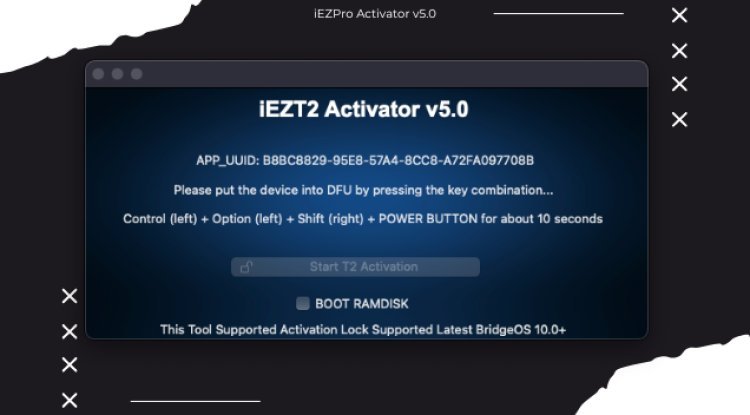
1️⃣ Connect Your Device In DFU (device Firmware Update) Mode.
2️⃣ Let The Tool Complete The Boot Process Automatically.
3️⃣ Click The "remove MDM T2" Button, And The Tool Takes Care Of The Rest.
Once The Process Is Complete, Your Mac Will Be Completely Free Of MDM Restrictions, Giving You The Flexibility To Use, Reset, Or Resell The Device Without Limitations.
– Unrivaled Performance at an Unbeatable Price!
Key Features:
⚡️ 100% Stability Guaranteed – Reliable and Consistent Activation
iBridge 10+ Support – Stay Ahead with the Latest Compatibility
✅ Touch Bar Fix – Seamless Functionality Restored ????????
✅ Secure Boot: OFF – Unlock Full Potential
✅ Instant Activation – Ready to Go in Seconds
✅ Reboot & Untethered Functionality – Flexibility and Convenience
✅ Fully Compatible with OTA Updates – No Interference, Always Up-to-Date
✅ Force Restart Capabilities – Ultimate Control
✅ Fully Compatible with macOS Sequoia 20+ – Supports the Latest macOS Version
Don’t miss out on the best-in-class solution for your Mac. Activate with confidence!
Unlock your device’s T2 chip quickly, securely, and seamlessly with iEZT2Activator, designed to work flawlessly with erased BridgeOS.
Seamless Compatibility: Fully compatible with iBridgeOS
How It Works:
Restore Your Device Using Apple Configurator 2 :
Connect your T2 device to your computer using a USB-C cable.
Open the iEZ T2Activator tool on your computer.
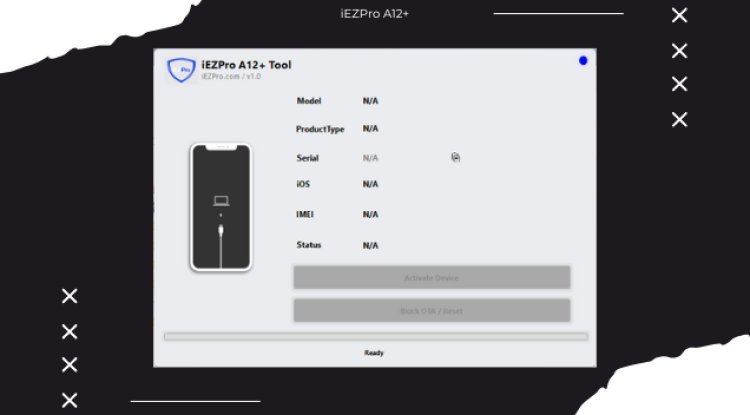
Click on the button labeled "Activate T2 Device," then wait a few minutes for the device to be bypassed.
Pricing:
Special Discounts available for resellers—contact us for bulk pricing!
Unlock your Mac’s full potential with ease using iEZT2Activator. Start activating today and take control of your device!
What's Your Reaction?